
Seamless Legacy & New System Integration
Still exporting data from ERP to Excel and copying it into CRM by hand? That kind of friction drains time and attention every day. We connect your ERP, WMS, CRM, and external SaaS tools so data moves automatically, silos disappear, and your business gains the digital foundation needed for future AI automation.
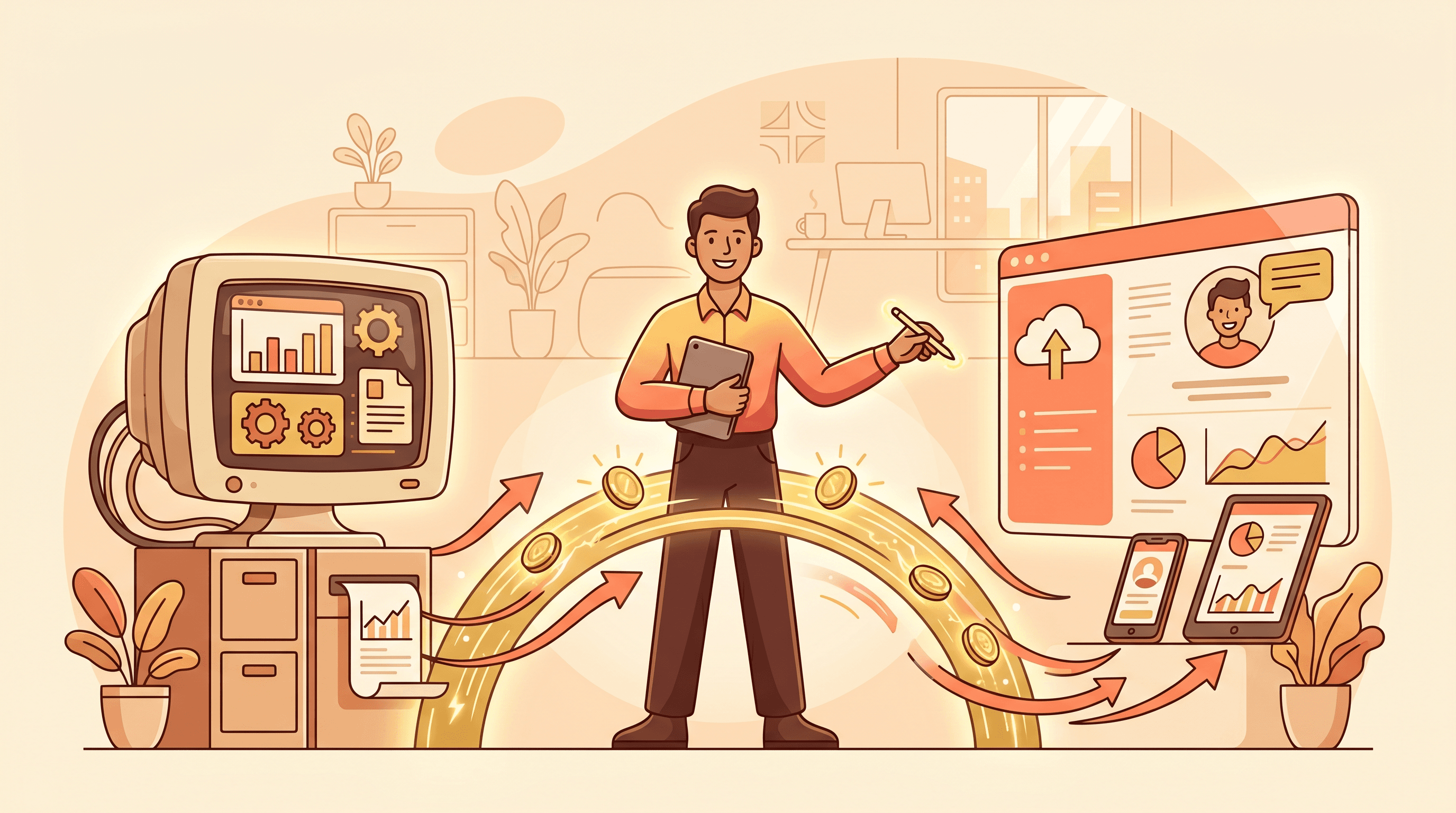
Is Your Team Still Moving Data by Hand?
Systems That Won't Talk to Each Other
Order data entered in ERP must be manually re-keyed into CRM. The same customer record lives in 3-4 different systems — exhausting and error-prone.
Delayed Data, Delayed Decisions
The boss wants today's numbers but IT says 'tomorrow.' Reports are always a day behind because someone has to export and compile them by hand.
Knowledge Walks Out the Door
A veteran employee bridges systems with personal tools and spreadsheets. When they leave, the bridge collapses. No documentation, no standards — a ticking time bomb.
When Do You Need System Integration?
Break data silos and let information flow automatically
ERP ↔ CRM ↔ E-Commerce Sync
Orders auto-sync to ERP for production orders, customer info flows into CRM, shipping status feeds back to your store. All systems speak the same language — no more manual data搬运.
Legacy System Modernization
Your on-premise ERP or homegrown system connects to modern SaaS tools (WeCom, DingTalk, Lark) through API wrapping — no need to rip and replace.
Unified Data Dashboard
Sales in CRM, production in ERP, finance in Excel. We consolidate multi-source data into a real-time dashboard — revenue, order status, inventory alerts, all on your phone.
Before & After Integration
| Before | After | |
|---|---|---|
| Order Processing | Manual entry → Export Excel → Email warehouse → Re-enter WMS (30 min/order) | Auto-sync → Instant warehouse notification → Real-time status (< 1 min) |
| Data Consistency | Same customer has different records in ERP vs CRM — which one is current? | Single source of truth — update once, sync everywhere |
| Reporting | Finance team works 3 extra days at month-end for reports | Auto-generated daily; boss checks on phone anytime |
| Employee Experience | 'I'm here to do business, not move data around' | Focus on analysis, decisions, and customer relationships |
How We Connect Your Systems
System Audit & API Assessment
Inventory all IT systems and data flows. Evaluate API capabilities and interface types. Deliver a Data Asset Map.
Integration Architecture Design
Design enterprise integration architecture: real-time vs batch strategies, message queues for zero data loss, security and access controls.
API Development & Data Mapping
Build adapters and transformation scripts between systems. Handle field mapping, data cleansing, and business logic validation with human-check gates.
Go-Live & Visual Monitoring
Full-link stress testing, then smooth cutover. Deliver a real-time monitoring dashboard — slow APIs and stuck processes visible at a glance.
System Audit & API Assessment
Inventory all IT systems and data flows. Evaluate API capabilities and interface types. Deliver a Data Asset Map.
Integration Architecture Design
Design enterprise integration architecture: real-time vs batch strategies, message queues for zero data loss, security and access controls.
API Development & Data Mapping
Build adapters and transformation scripts between systems. Handle field mapping, data cleansing, and business logic validation with human-check gates.
Go-Live & Visual Monitoring
Full-link stress testing, then smooth cutover. Deliver a real-time monitoring dashboard — slow APIs and stuck processes visible at a glance.
Integration Architecture Guarantees
Stable, secure, observable
- All Protocols: REST, SOAP, GraphQL, gRPC, and direct database connections — we can talk to any system regardless of age.
- Message Queue Resilience: Kafka / RabbitMQ handle peak loads and buffer data during outages, replaying on recovery — zero data loss.
- Full Observability: Every API's latency, success rate, and alerts visualized. Root cause identified within 5 minutes of an incident.
- Security & Compliance: TLS 1.3 encryption throughout, sensitive field masking, full audit trail for every operation.
Deliverables
Top Questions About System Integration
My ERP is 15 years old with no APIs. Can you still integrate it?▼
Yes. Even without standard APIs, we can establish secure read/write channels at the database level or build a lightweight data bridge service. We have experience with legacy systems like Yonyou U8 and Kingdee K3.
Will integration disrupt my current systems?▼
No. We use a 'sidecar integration' strategy — build and run the integration layer in parallel, validating data consistency before gradually switching over. Zero disruption to daily operations.
How long does a typical integration take?▼
Simple scenarios (one-way sync between two systems): 1-2 weeks. Complex scenarios (multi-system bi-directional sync with data cleansing): typically 4-6 weeks. We provide a clear timeline after assessment.
What happens when connected systems get upgraded?▼
We provide monitoring alerts for API changes and fast response. We recommend an annual maintenance agreement covering interface adaptation and regular health checks.
You Might Also Need
View Related Success Stories
50+ businesses have eliminated data silos through system integration